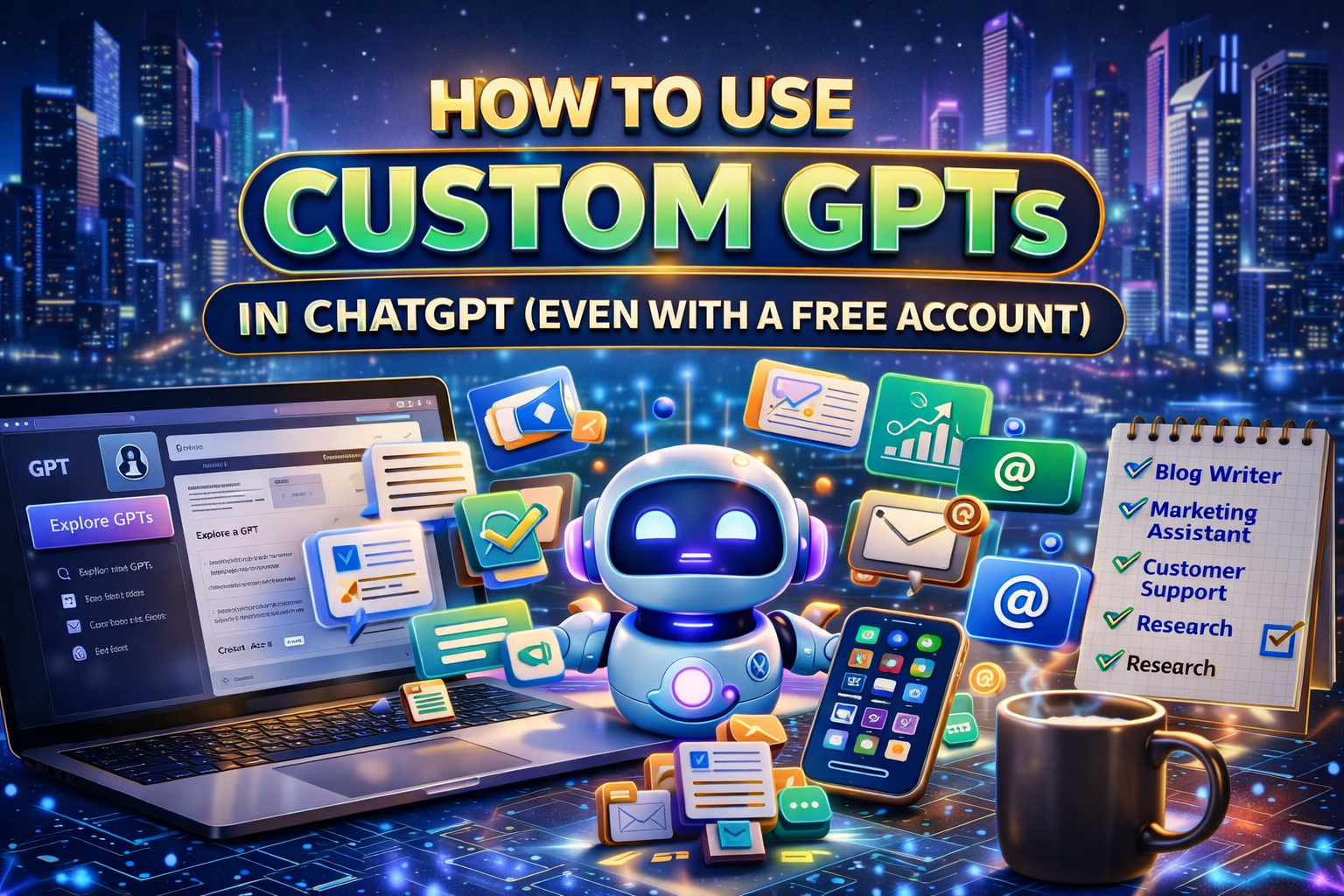
Artificial Intelligence is no longer just a buzzword discussed in tech circles. It has quickly become one of the most practical tools available to entrepreneurs, freelancers, educators, and business owners.
Today, AI is being used every day to:
- Write content
- Generate marketing ideas
- Improve customer communication
- Automate repetitive tasks
- Accelerate productivity
One of the most powerful innovations inside ChatGPT is the ability to create Custom GPTs—specialized AI assistants that are designed to perform specific tasks.
What makes this even more exciting is that you do not need a paid subscription to begin experimenting with them. Even users with a free account can explore and build custom GPTs that make everyday work faster and easier.
In this guide, you will learn what custom GPTs are, how they work, and how you can start using them right away—even if you are just beginning your journey with AI.
What Are Custom GPTs?
A Custom GPT is a tailored version of ChatGPT that is designed to perform a specific role or task.
Instead of using a general-purpose AI assistant for everything, you can create specialized AI helpers that follow instructions, use a defined tone, and focus on particular business activities.
Think of a custom GPT as a digital team member trained for a specific job.
For example, you might create:
- A blog writing GPT that drafts articles for your website
- A marketing GPT that generates social media captions and ad copy
- A customer support GPT that answers common questions in your brand voice
- A research assistant GPT that gathers ideas and summarizes information
Each GPT can be configured with instructions that guide how it responds and what type of work it performs.
The result is an AI assistant that works exactly the way you want it to.
Can You Use Custom GPTs with a Free Account?
Yes—you absolutely can.
Many people assume that advanced AI tools require expensive subscriptions. However, free users can still explore and create custom GPTs inside ChatGPT.
The main differences between free and paid accounts usually involve:
- Access to the newest models
- Higher usage limits
- Additional advanced features
But for many everyday tasks—such as writing blog posts, generating ideas, drafting emails, or creating marketing content—the tools available to free users are more than capable.
This means you can begin experimenting with custom GPTs without spending anything at all.
How to Explore Existing GPTs
One of the easiest ways to get started is by browsing the Explore GPTs section inside ChatGPT.
Think of this feature as an app store for AI assistants.
Inside the GPT directory, you will find hundreds of ready-made GPTs designed for different tasks, including:
- Writing and content creation
- Business productivity
- Education and learning
- Personal organization
- Marketing and social media
These GPTs are created by OpenAI and independent developers who have already built specialized tools for specific purposes.
With just a few clicks, you can begin testing them to see how they work and decide which ones might help your workflow.
How to Create Your Own Custom GPT
One of the most exciting parts of this system is that you do not need any programming skills to build your own GPT.
Creating one is surprisingly simple.
Here is the basic process:
Step 1: Open the GPT Builder
Inside ChatGPT, click the Explore GPTs option and select Create a GPT.
Step 2: Define the Role
The system will ask what you want your GPT to do.
For example:
- Write SEO blog posts
- Generate social media content
- Provide business advice
- Answer customer support questions
Step 3: Customize Instructions
You can specify:
- The tone of voice
- Writing style
- Response format
- Special instructions or rules
Step 4: Save and Start Using It
Once your GPT is configured, you can save it and begin using it immediately.
You can keep it private for personal use or share it with others.
This simple setup allows anyone—even beginners—to create powerful AI assistants in minutes.
Why Custom GPTs Are Powerful for Businesses
Custom GPTs are especially valuable for entrepreneurs and small business owners because they help automate work that would normally take hours.
Here are some of the key benefits.
1. Consistency
Your GPT can be trained to follow a specific tone and structure. This ensures that all content—emails, posts, or responses—maintains the same voice and quality.
2. Speed
Tasks that normally take hours—such as writing blog posts or marketing copy—can often be completed in minutes.
3. Flexibility
You can build multiple GPTs for different parts of your business.
For example:
- Marketing GPT
- Customer service GPT
- Content writing GPT
- Research assistant GPT
Each one can handle a specific responsibility.
4. Cost Efficiency
For small businesses and solo entrepreneurs, custom GPTs can function like additional team members without the expense of hiring staff.
This allows smaller companies to operate more efficiently and compete with larger organizations.
Ready-to-Use Custom GPTs
While building your own GPTs is powerful, some entrepreneurs prefer to skip the learning curve.
There are marketplaces and platforms that offer pre-trained custom GPTs designed for specific business tasks.
These ready-to-use GPTs may help with:
- SEO blog writing
- Social media marketing campaigns
- product descriptions
- customer support messaging
- business research and analysis
Instead of building everything from scratch, entrepreneurs can deploy these tools immediately and begin saving time right away.
Common Mistakes to Avoid
While custom GPTs are powerful tools, there are a few common issues that users should watch out for.
Over-Reliance on AI
AI is meant to assist you—not replace your judgment.
Always review important content before publishing or sending it to clients.
Weak Instructions
If a GPT produces poor results, the problem often lies in vague instructions.
The more clearly you define what you want, the better the output will be.
Ignoring Editing
AI-generated content often benefits from a final human review to ensure clarity, accuracy, and tone.
Safety and Best Practices
When working with AI systems, it is important to maintain good data security habits.
Avoid entering:
- Passwords
- Private financial information
- Sensitive customer data
AI is best used for drafting, brainstorming, planning, and content creation, while sensitive information should always remain protected.
By following these best practices, you can safely integrate AI into your workflow.
What Results Can Businesses Expect?
When implemented effectively, custom GPTs can produce measurable improvements in productivity.
Businesses often notice:
- Faster marketing content creation
- More consistent customer support responses
- Increased efficiency across daily operations
- Significant time savings on routine writing tasks
Even small teams—or solo entrepreneurs—can gain the advantages of AI-powered productivity.
Final Thoughts
Custom GPTs are one of the most powerful tools available inside ChatGPT today.
They allow you to create AI assistants that are specifically designed for your business needs.
The most encouraging part is that you do not need a paid subscription to begin exploring them. Even with a free account, you can start experimenting, building assistants, and improving your workflow today.
If you are new to AI, start by exploring existing GPTs to see how they work. Then try creating a simple custom GPT of your own.
As you continue experimenting, you will likely discover that AI becomes more than just a tool—it becomes a valuable partner that helps you work smarter, faster, and more creatively.



0 Comments